Italic Text Generator
Copy and paste italic text for your bio, captions and posts. Browse over 386 styles and use the font generator to preview your own text.
How to use the italic text generator
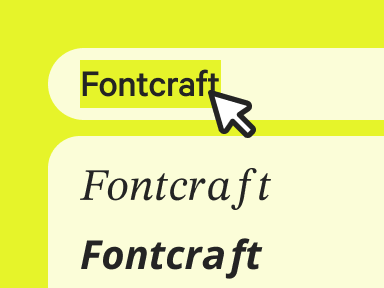
Enter your text
Type or paste your text to see it slant into italics instantly.
Copy the font
Pick the italic style you prefer and copy it in a click.
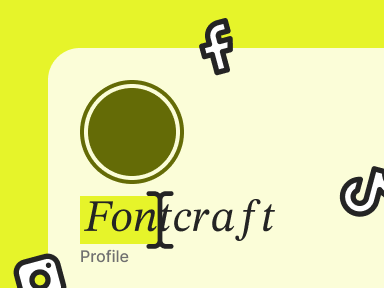
Paste anywhere
Paste your italic text into any bio, caption, or message.
What is italic text?
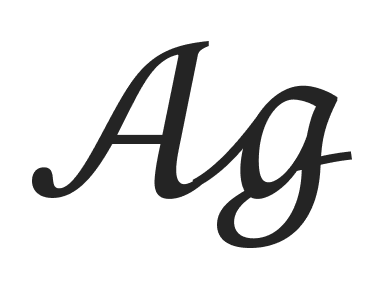
Italic text gives your words a graceful, slanted lean using tilted Unicode characters rather than an installed font. Type into our italic font generator and each letter becomes an oblique symbol you can copy and paste anywhere.
Because it's just text, nothing needs installing and the slant follows the characters. It's ideal for adding subtle emphasis or a touch of elegance to a caption. Prefer a heavier accent? Try the bold text generator.
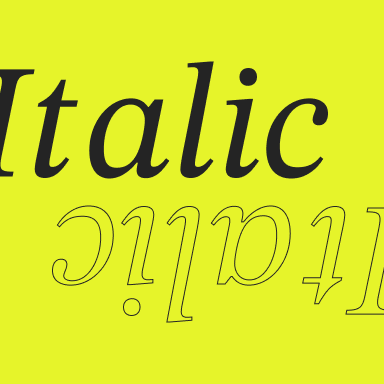
Where to use italic fonts?
Italic text adds polish wherever plain letters feel abrupt. Copy and paste it into an Instagram caption, a WhatsApp note, or a Twitter bio for a softer, more expressive tone.
It's a favorite for quotes, titles, asides, and signatures. Generate your italic font above, copy the style you like, and paste it wherever you want a lighter touch.
Italic letters and numbers
Browse the full italic text alphabet below — every letter and character, ready to copy.
Copy and paste examples
See how our font converter turns everyday words into italic text.
| Normal text | Italic text |
|---|---|
| Hello | 𝐻𝑒𝑙𝑙𝑜 |
| Love | 𝐿𝑜𝑣𝑒 |
| Aesthetic | 𝐴𝑒𝑠𝑡ℎ𝑒𝑡𝑖𝑐 |
| Good vibes | 𝐺𝑜𝑜𝑑 𝑣𝑖𝑏𝑒𝑠 |
| Best friends | 𝐵𝑒𝑠𝑡 𝑓𝑟𝑖𝑒𝑛𝑑𝑠 |
| Happy Birthday | 𝐻𝑎𝑝𝑝𝑦 𝐵𝑖𝑟𝑡ℎ𝑑𝑎𝑦 |
| 24/7 | 24/7 |
| Quote | 𝑄𝑢𝑜𝑡𝑒 |
| Emphasis | 𝐸𝑚𝑝ℎ𝑎𝑠𝑖𝑠 |
| Just saying | 𝐽𝑢𝑠𝑡 𝑠𝑎𝑦𝑖𝑛𝑔 |
Elements of italic typography
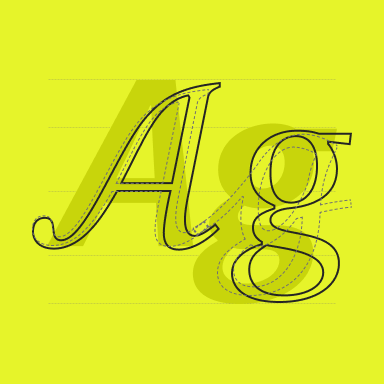
Italic text is defined by its slant — each character leans to the right at a consistent angle, echoing the flow of handwriting. In true typography, italics are often redrawn with subtle curves; here the effect comes from oblique Unicode letters.
That rightward tilt is what makes italic typography feel dynamic and expressive, signalling emphasis, quotation, or a change in voice without adding any weight.
FAQ
Common questions about creating and using italic text.
Is italic text actually a font?
No — it's Unicode characters drawn on a slant, not a font file, so you can copy and paste them anywhere without installing anything.
Why doesn't italic show up in some apps?
A few apps strip styling or lack the slanted glyphs, so your text may appear upright. Most social apps display it fine.
Can I combine italic with bold?
Some generators offer a bold italic style that does both at once — look for it in the styles list above.
More fonts