Strikethrough Text Generator
Generate strikethrough text for your bio, posts and chats. Copy and paste 388+ styles and use the font generator to customize your own text.
How to use the strikethrough text generator
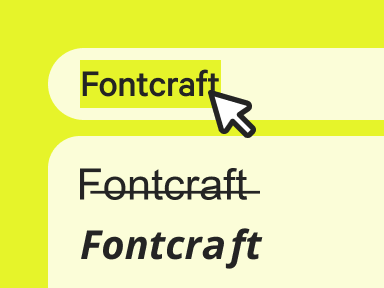
Enter your text
Type or paste your text to strike a line through it instantly.
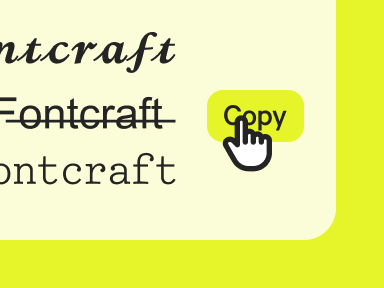
Copy the font
Choose the strikethrough style you like and copy it in a click.
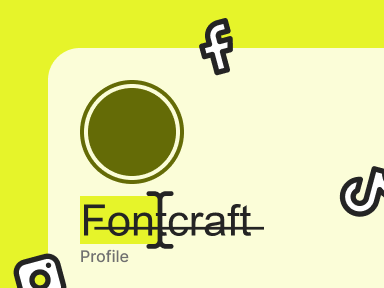
Paste anywhere
Paste your strikethrough text into any post, bio, or chat.
What is strikethrough text?
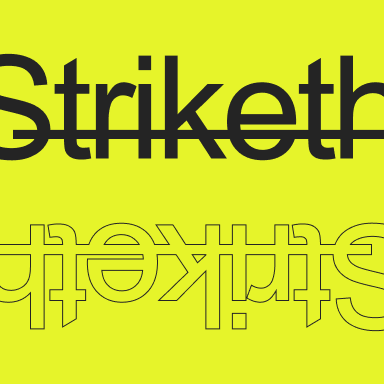
Strikethrough text draws a line straight through your words using Unicode combining marks — no formatting menu required. Type into our strikethrough font generator and each character carries its own crossed-out line you can copy and paste anywhere.
The line is baked into the text, so it survives a copy and paste into apps that offer no strikethrough. It's great for crossing out prices or edits with a bit of humor. Want a line underneath instead? Try the underline text generator.
Where to use strikethrough fonts?
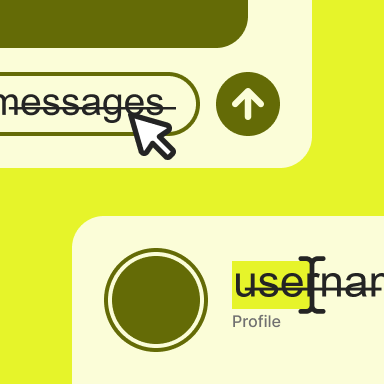
Strikethrough is perfect for a playful correction or a dramatic edit. Copy and paste it into a WhatsApp chat, a Discord message, or a post to cross something out for effect.
It's popular for jokes, revised prices, to-do lists, and sarcastic asides. Use our strikethrough font generator above, copy your crossed-out text, and paste it anywhere.
Strikethrough letters and numbers
Browse the full strikethrough text alphabet below — every letter and character, ready to copy.
Copy and paste examples
See how our font converter turns everyday words into strikethrough text.
| Normal text | Strikethrough text |
|---|---|
| Hello | H̶e̶l̶l̶o̶ |
| Love | L̶o̶v̶e̶ |
| Aesthetic | A̶e̶s̶t̶h̶e̶t̶i̶c̶ |
| Good vibes | G̶o̶o̶d̶ v̶i̶b̶e̶s̶ |
| Best friends | B̶e̶s̶t̶ f̶r̶i̶e̶n̶d̶s̶ |
| Happy Birthday | H̶a̶p̶p̶y̶ B̶i̶r̶t̶h̶d̶a̶y̶ |
| 24/7 | 2̶4̶/7̶ |
| Sold out | S̶o̶l̶d̶ o̶u̶t̶ |
| Cancelled | C̶a̶n̶c̶e̶l̶l̶e̶d̶ |
| Was $50 | W̶a̶s̶ $5̶0̶ |
Elements of strikethrough typography
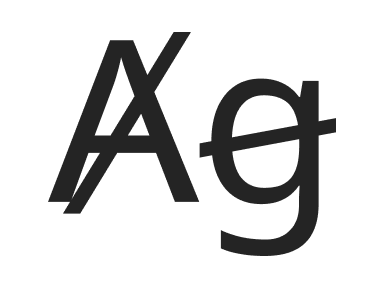
Strikethrough text uses a combining long stroke — a Unicode mark that lays a horizontal line across the middle of each character, cancelling the word while keeping it fully readable.
That crossed-out line is a long-standing editorial signal, so strikethrough typography instantly communicates deletion, revision, or irony wherever it appears.

FAQ
Common questions about creating and using strikethrough text.
Is strikethrough text actually formatting?
No — it's a Unicode combining mark, not rich text, so you can copy and paste it into apps with no strikethrough option.
Why does the line sit too high or low?
Different fonts position the combining stroke slightly differently; another style or app usually centers it better.
Can I strike through only part of a word or line?
Yes — only the text you run through the generator gets the line, so you can mix struck and normal words in one sentence by converting them separately.
More fonts