


Underline Text Generator
Copy and paste underline text for your bio, posts and profile. Browse over 393 styles and use the font generator to customize your text.
How to use the underline text generator
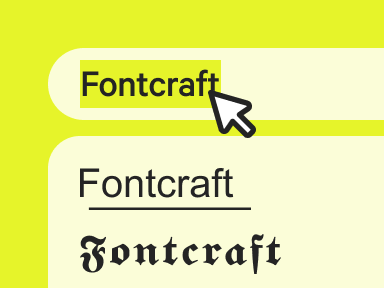
Enter your text
Type or paste your text to add an underline instantly.
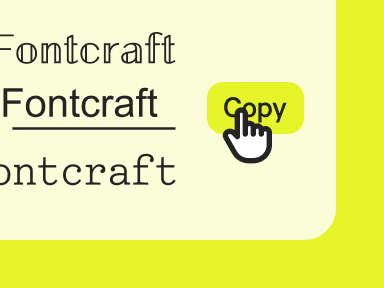
Copy the font
Pick the underline style you want and copy it in one click.
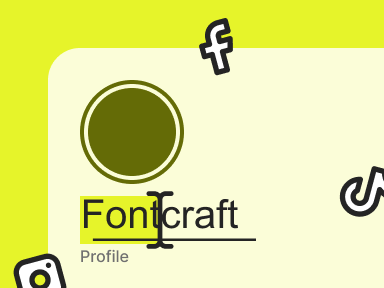
Paste anywhere
Paste your underlined text into any bio, post, or message.
What is underline text?
Underline text adds a line beneath your words using special Unicode combining marks — no formatting button or font needed. Type into our underline font generator and each character carries its own underline you can copy and paste anywhere.
Because the line is built into the characters, it survives the copy and paste into places that don't offer underlining. It's handy for emphasizing a link or title. Want a line through instead? Try the strikethrough text generator.
Where to use underline fonts?
Underline text is perfect where you can't format but still want emphasis. Copy and paste it into a Facebook post, a Discord message, or a bio to underline a name or link.
It's useful for headings, links, and standout phrases in apps with no underline option. Use our underline font generator above, copy your styled text, and paste it anywhere.
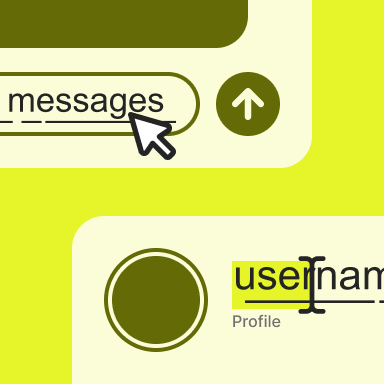
Underline letters and numbers
Browse the full underline text alphabet below — every letter and character, ready to copy.
Copy and paste examples
See how our font converter turns everyday words into underline text.
| Normal text | Underline text |
|---|---|
| Hello | H͟e͟l͟l͟o͟ |
| Love | L͟o͟v͟e͟ |
| Aesthetic | A͟e͟s͟t͟h͟e͟t͟i͟c͟ |
| Good vibes | G͟o͟o͟d͟ v͟i͟b͟e͟s͟ |
| Best friends | B͟e͟s͟t͟ f͟r͟i͟e͟n͟d͟s͟ |
| Happy Birthday | H͟a͟p͟p͟y͟ B͟i͟r͟t͟h͟d͟a͟y͟ |
| 24/7 | 2͟4͟/7͟ |
| Link in bio | L͟i͟n͟k͟ i͟n͟ b͟i͟o͟ |
| Click here | C͟l͟i͟c͟k͟ h͟e͟r͟e͟ |
| Read more | R͟e͟a͟d͟ m͟o͟r͟e͟ |
Elements of underline typography
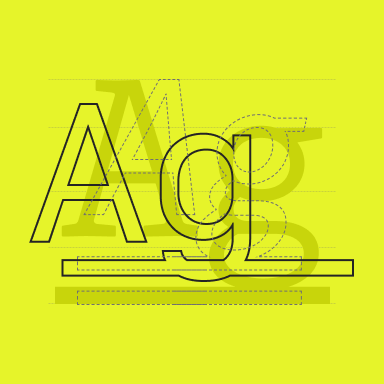
Underline text is created with a combining low line — a Unicode mark that attaches beneath each character, drawing a continuous rule under the whole word without a separate formatting layer.
Because the underline is part of the text itself, underline typography carries its emphasis anywhere it's pasted, mimicking the classic convention for links, titles, and stressed words.
FAQ
Common questions about creating and using underline text.
Is underline text actually formatting?
No — it's a Unicode combining mark, not rich-text formatting, so you can copy and paste it into apps that have no underline button.
Why does the underline look broken sometimes?
Some fonts render the combining line with small gaps between characters; switching styles or apps usually smooths it out.
Does the underline stay when I copy and paste it?
Yes — the line is made of combining Unicode marks attached to each letter, so it travels with the text into most apps, though a few strip combining marks.
More fonts